Work archives
Work from 2020 and earlier
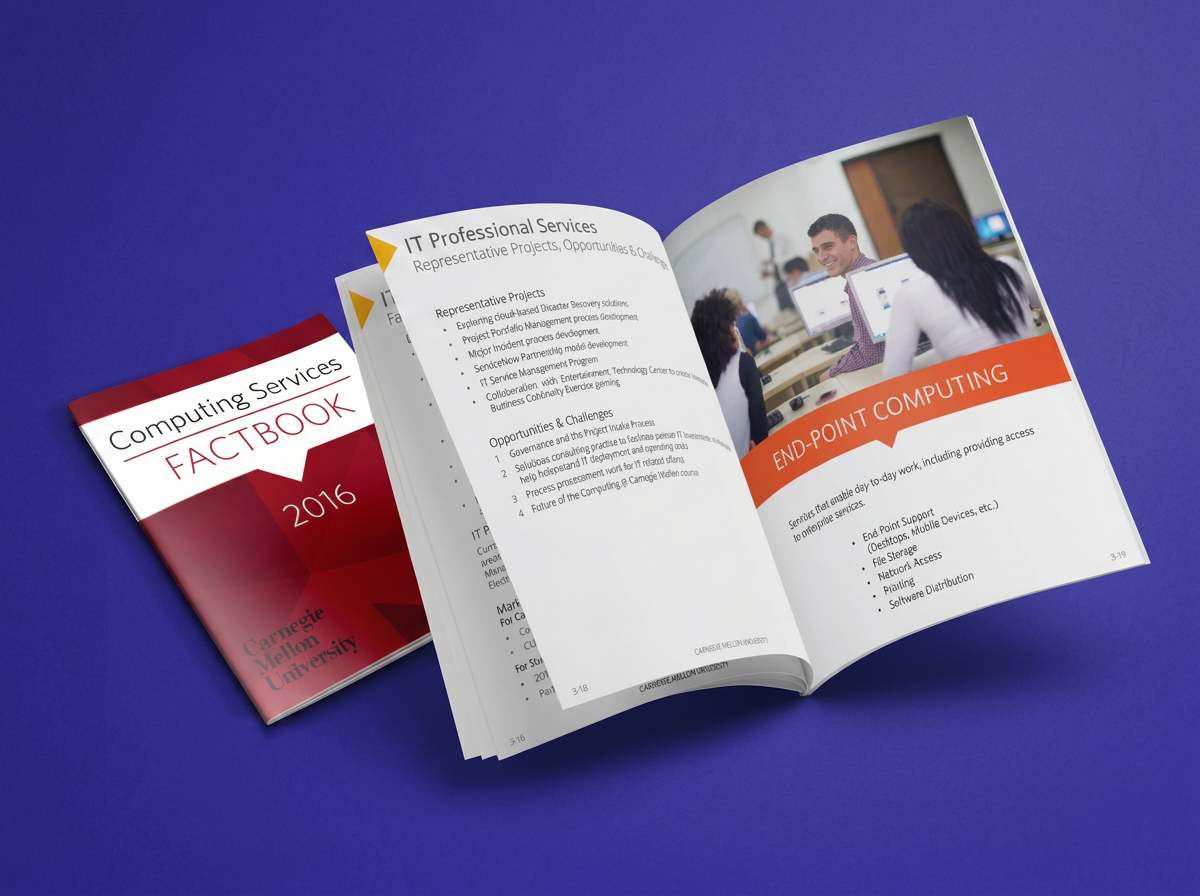
Marketing & Copy Writing
View marketing materials and copy writing samples created based on information I've received about the event, service, or product and tailored for each customer/respective audience.
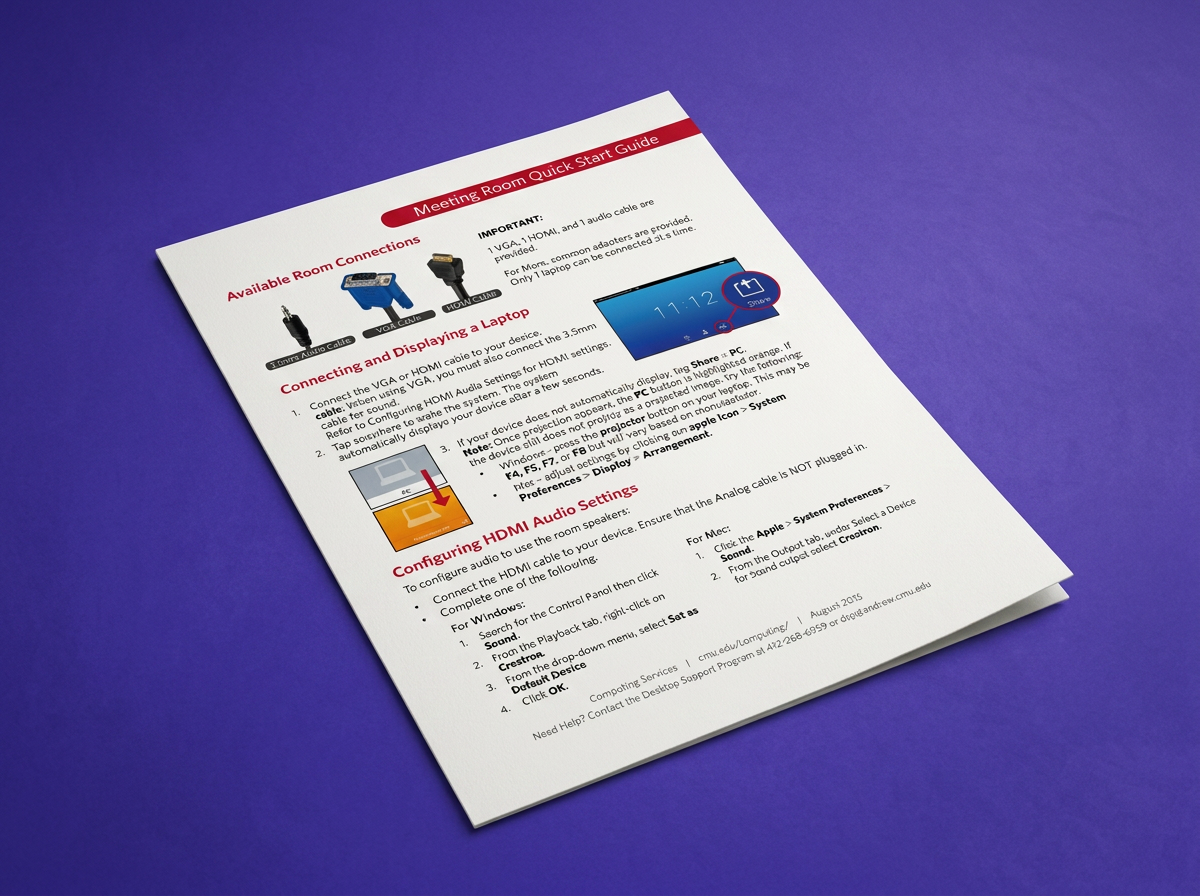
Technical Writing
View technical writing and process samples created through hands-on testing, subject matter expert (SME) interviews, and/or from rough drafts that were edited based on the audience.
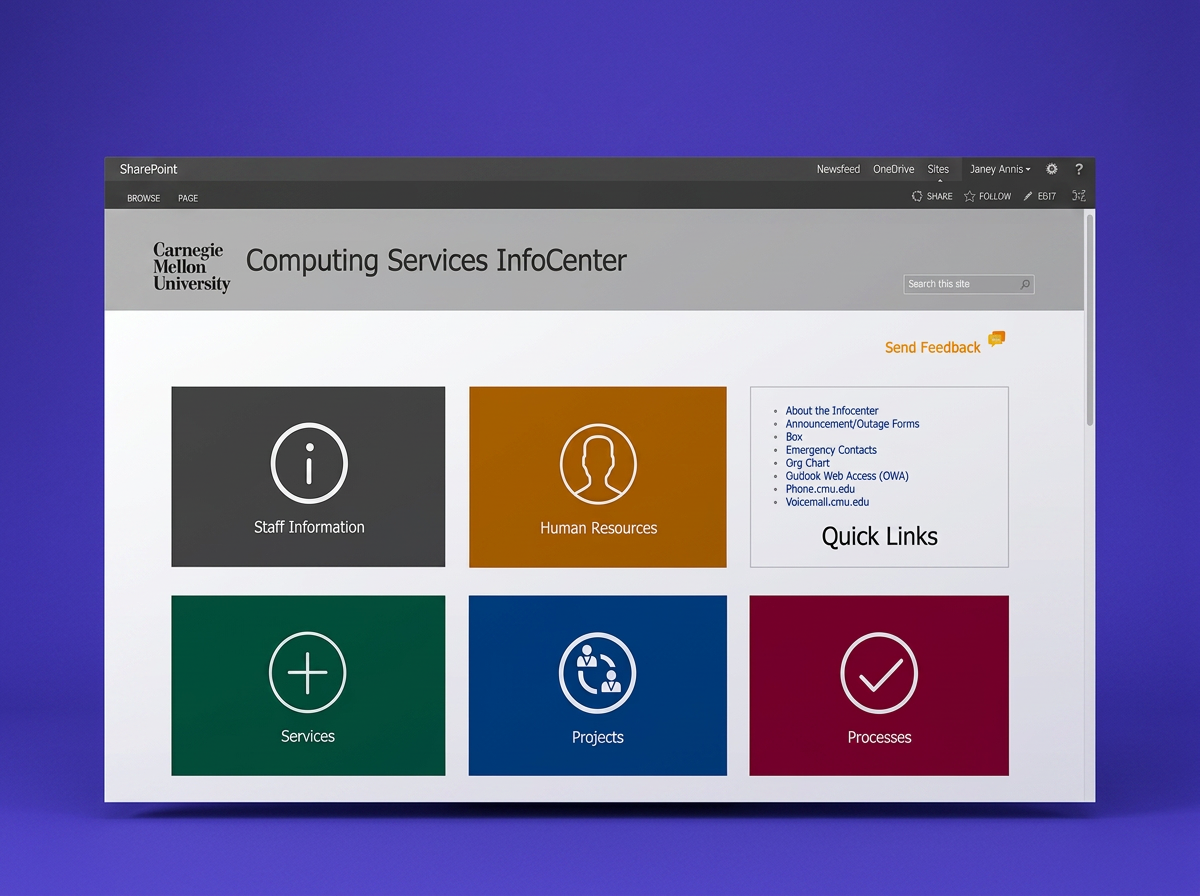
Web & Social Media
View websites/mockups and social media pieces created based on information that needed to be conveyed to a particular audience, A/B (split) testing, and to accommodate future growth.
Marketing Materials
These marketing materials (including copy writing samples) were created based on information I've received about the event, service, or product and tailored for each customer/respective audience.

GitHub Blog
The GitHub Blog provides updates, ideas, and inspiration from GitHub to help developers build and design software. As part of a content team, I managed the editorial content specifically for the blog.
Details
Check out the archives from 2018 - 2019 (I’ve ghost-written or edited almost every post)
Content was drafted, edited, and uploaded via GitHub.com as well as WordPress
I debuted as an author when I transitioned from the Content Editorial Manager to Product Manager
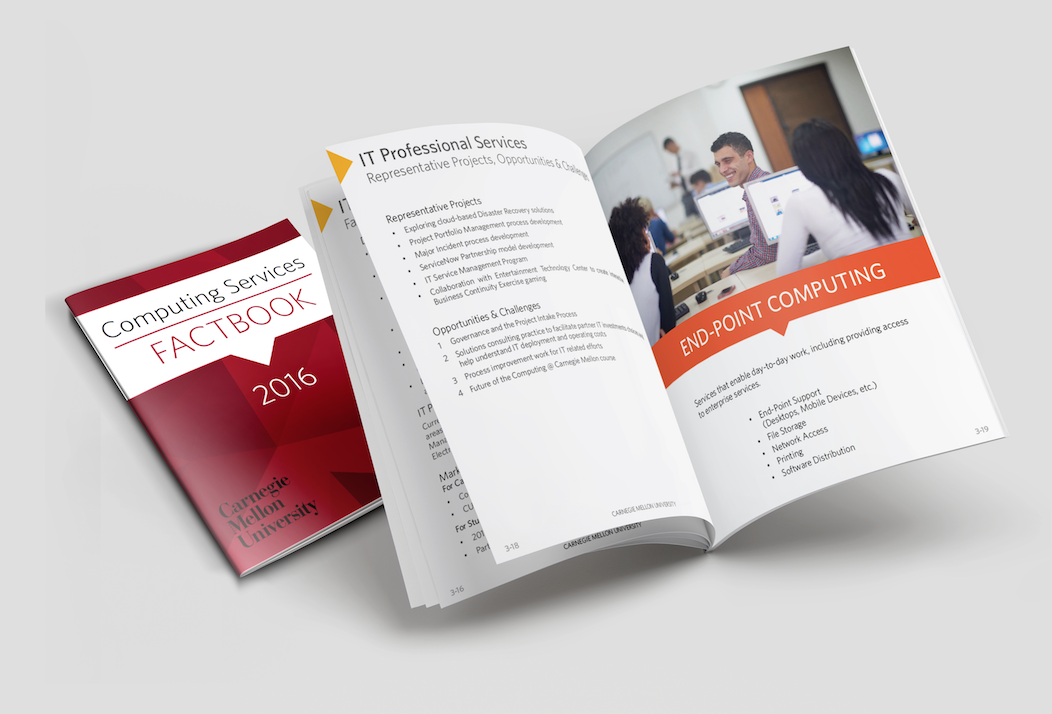
Carnegie Mellon - Computing Services
FACTBOOK, template, BROCHURE, and handout
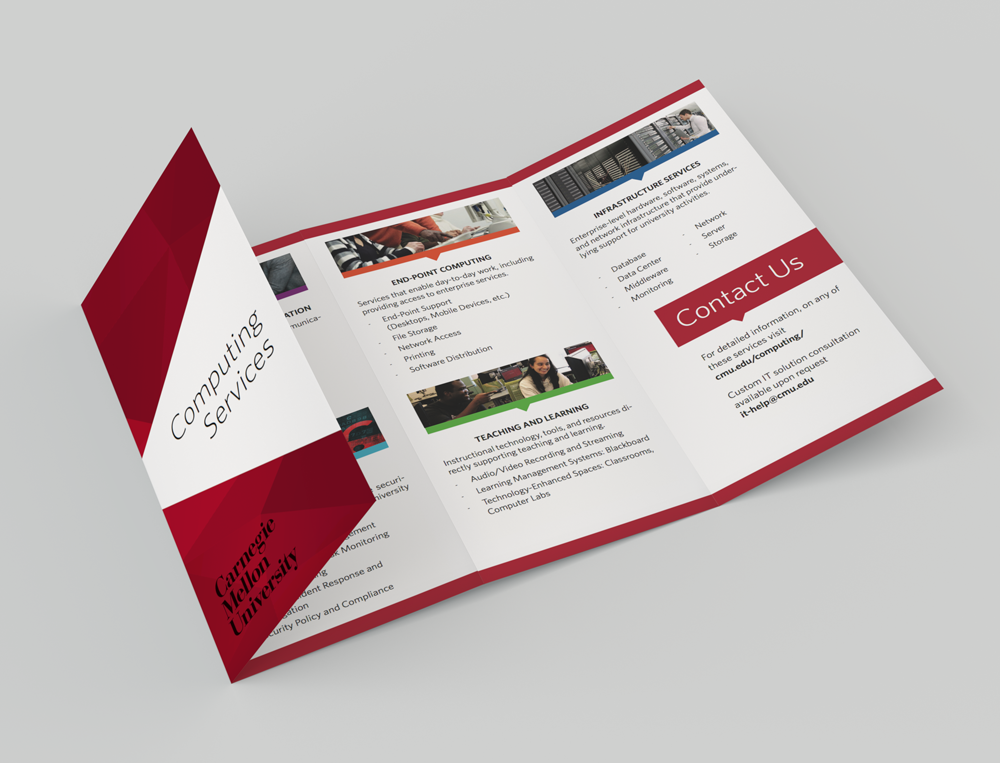
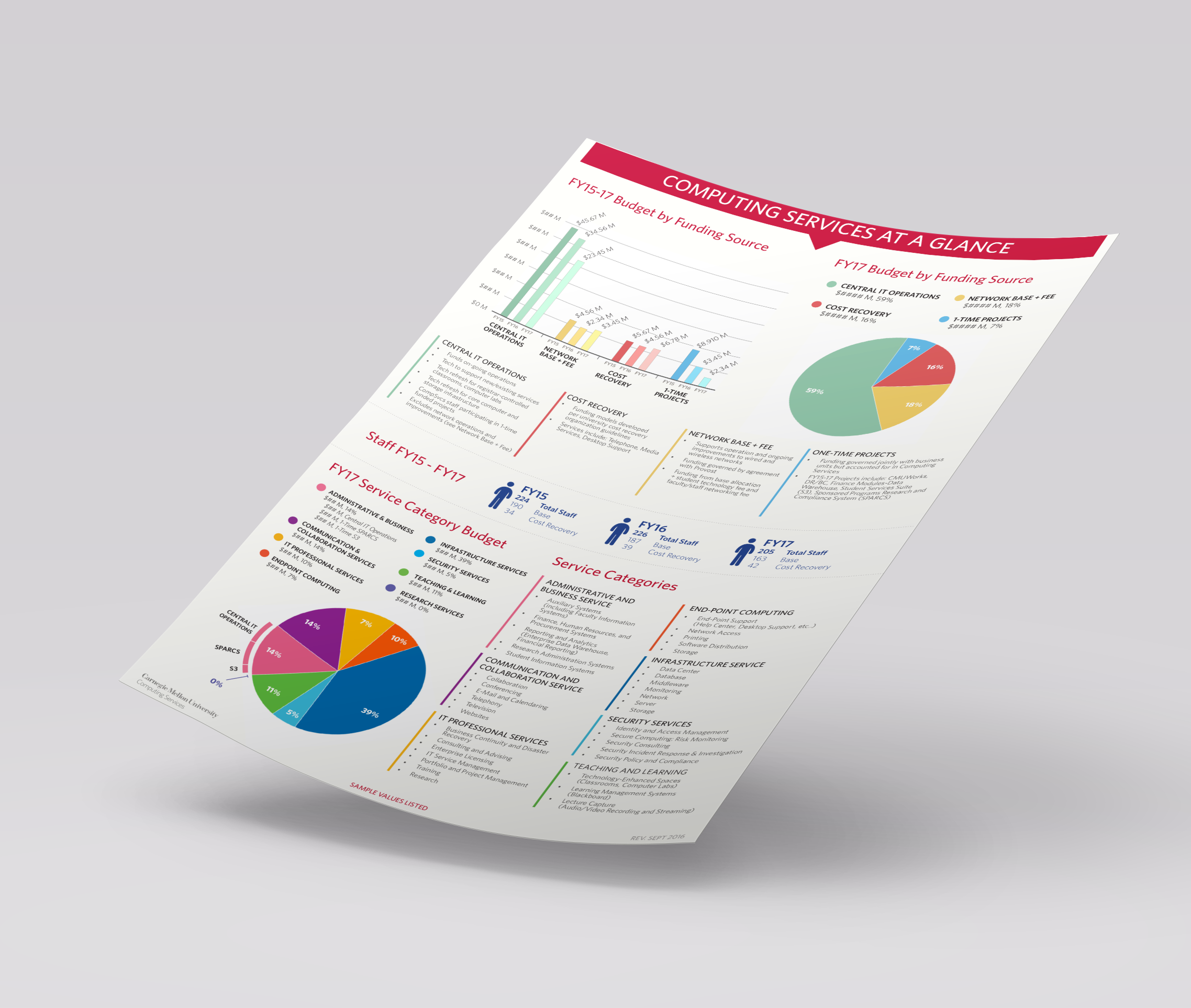
The Carnegie Mellon Computing Services - "At a Glance" project was developed to showcase what division details from year to year for prospective customers. The immediate need of this project was to get a new Vice President of Operations up to speed with the type of work Computing Services brought to Carnegie Mellon.
The project required rebranding the division to have a consistent and modern voice. The materials were also created with a simple design in order to easily be updated from year to year.
The final products created were the Computing Services Factbook (2016), Computing Services Overview of Servicesbrochure, a Computing Services general-use powerpoint template, and a Computing Services "At a Glance" technical overview.
Details
Created using Adobe InDesign, Illustrator and Photoshop
Several stock photos from Carnegie Mellon owned photography
Several icons modified and owned by Carnegie Mellon from flaticons.com
Optimized and created for print production
Campus Cloud Brochure
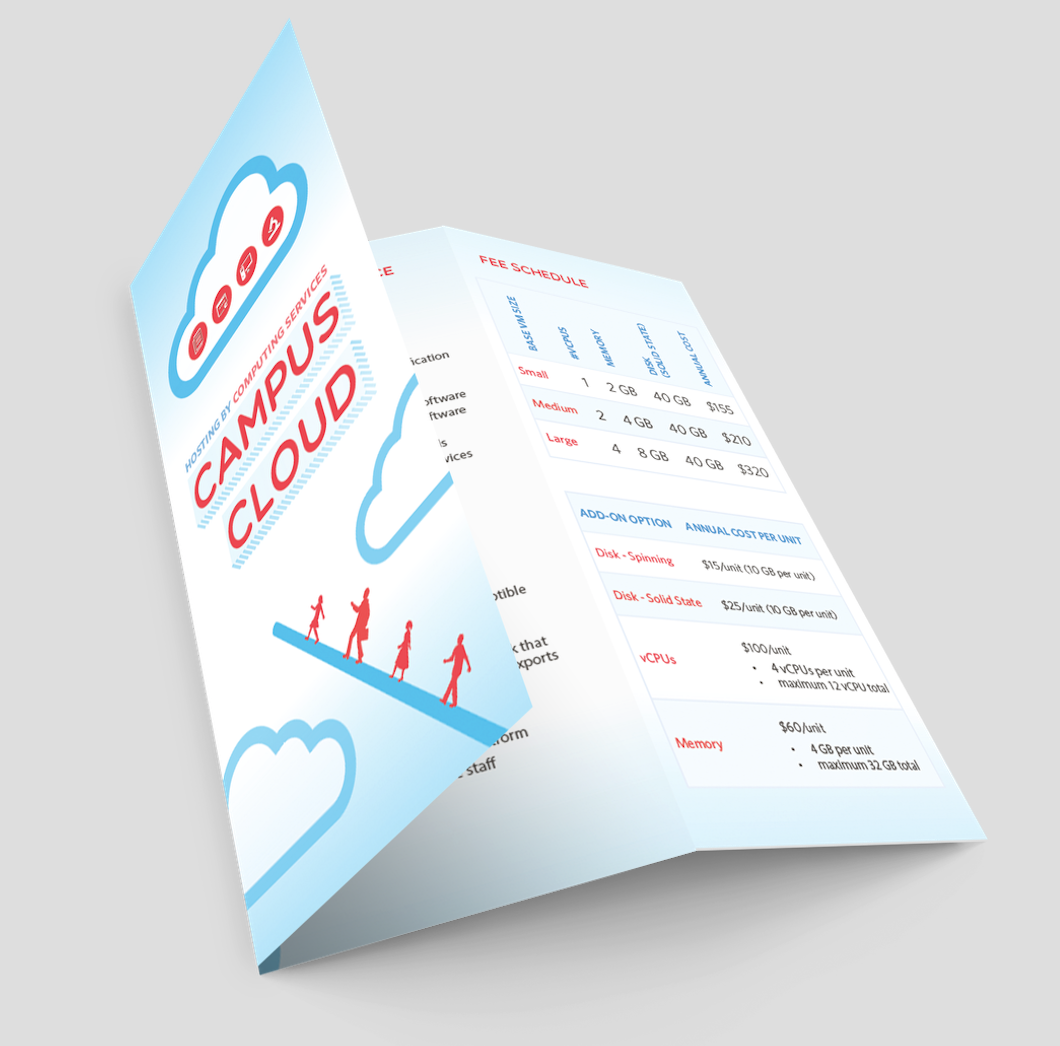
The Campus Cloud: Hosting by Computing Services brochure was created to advertise cloud hosting services and provide details about the service to start a conversation. The brochure was sent out for printing/post production and handed out during business meetings with potential clients as well as during events on campus.
Details
Created using Adobe InDesign, Photoshop, Illustrator
The illustration on the front is the "Walking to the Sky" installation on campus
8.5 x 11, Landscape
Full-Bleed, tri-fold brochure, cardstock
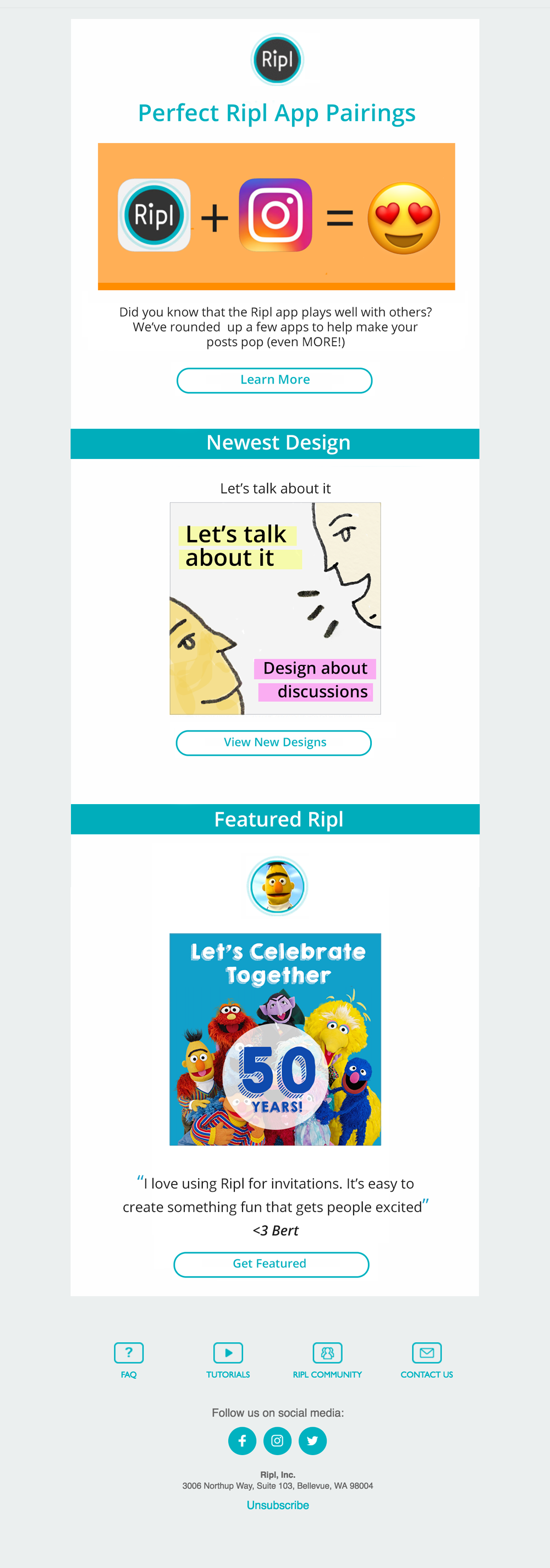
Emails and Newsletters
Various emails and newsletters written over the years (2016 - Present).
Ripl Newsletter
Initial Welcome Email for new subscribers (as part of a series of Welcome Emails including a set of tips to get started).
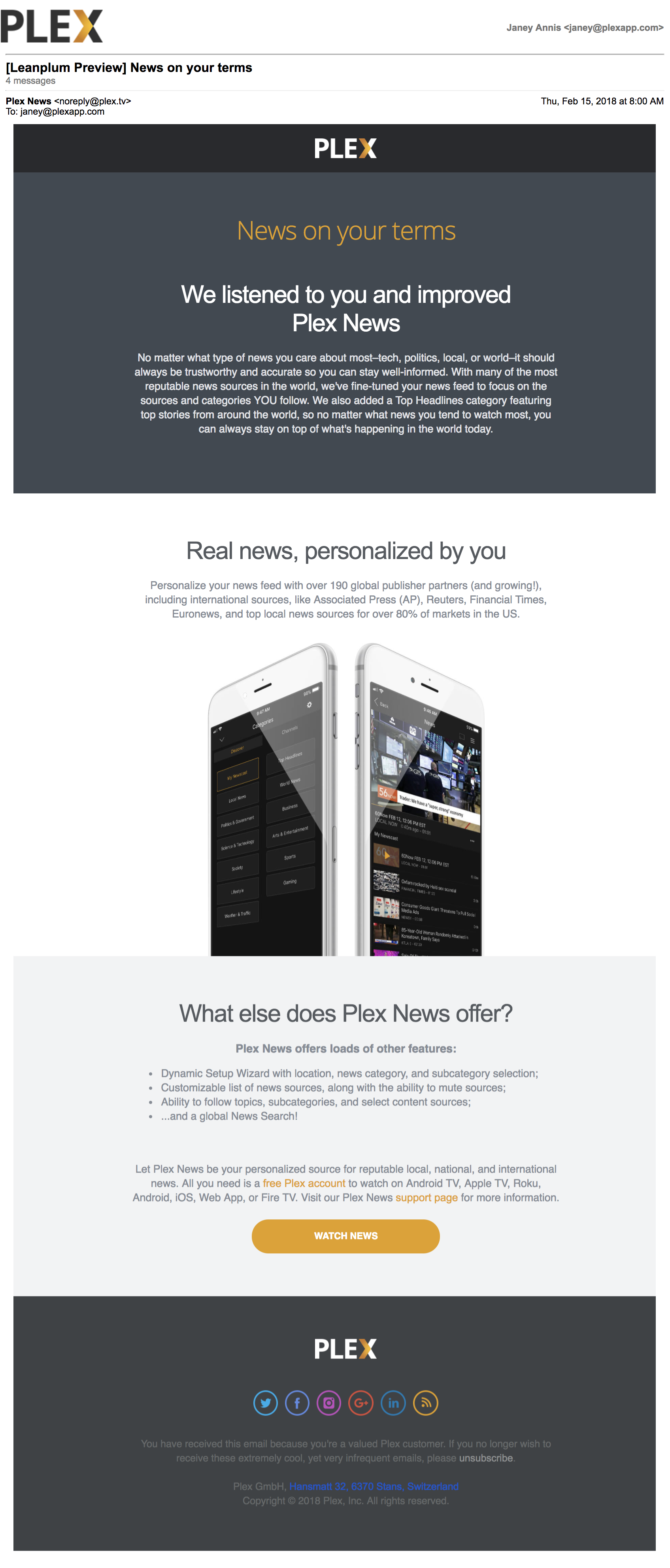
Plex News Email
An email written to increase usage of the Plex News streaming service addressing updates and detailing the service's features.
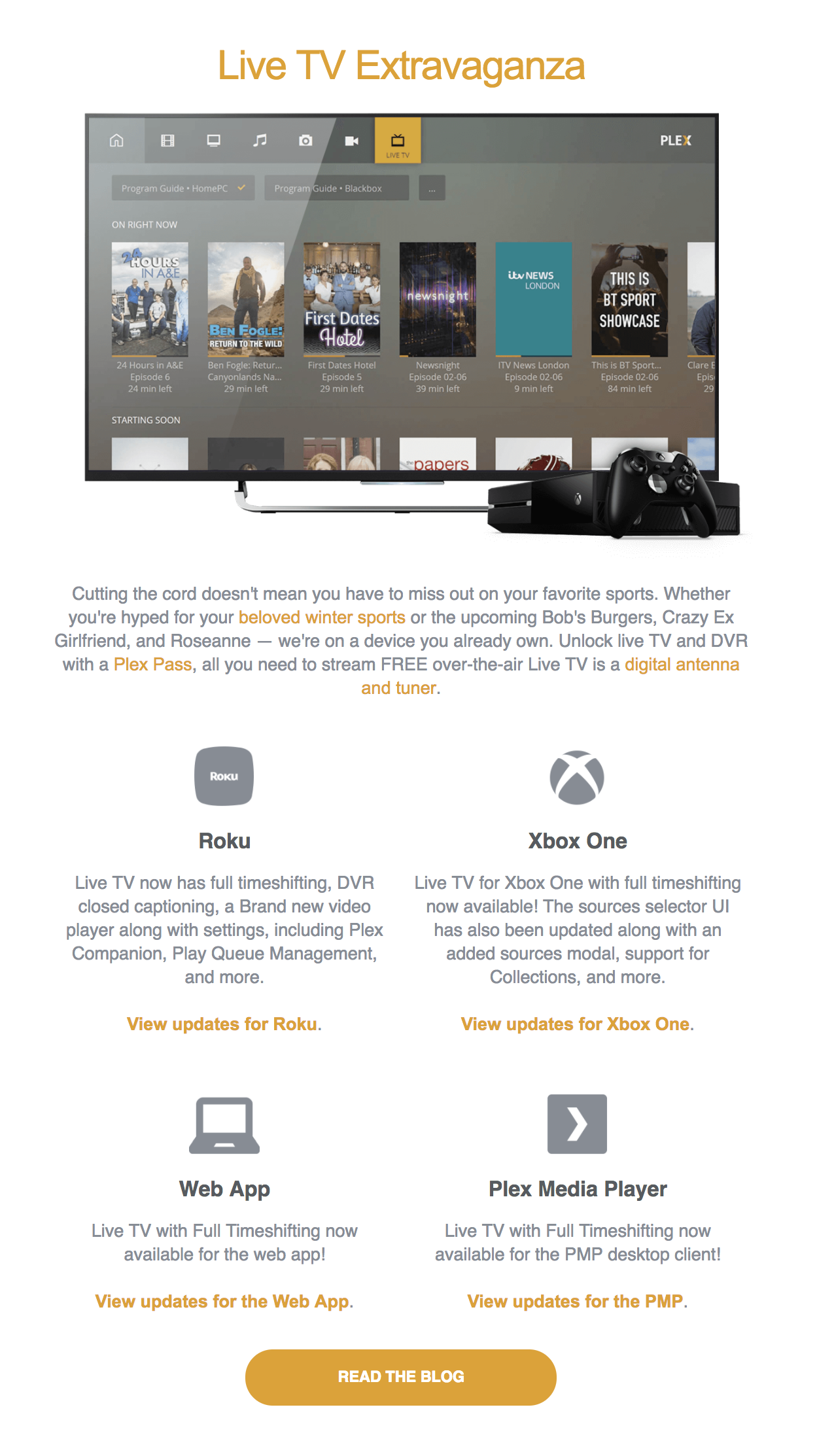
Plex Newsletter
A roundup of updates sent to Plex email subscribers.
Want more? I've written and designed plenty of technical and marketing-friendly—contact me.

New to CMU
Get Started with Computing Services
In collaboration with a Carnegie Mellon student, the Get Started experience showcases several offerings from Computing Services. The videos were created to help students explore free software and services available on campus and virtually. As part of the videos, a separate Get Started website geared to new and returning students was created along with mailers and powerpoint presentations that played during events.
Visit the current New to CMU experience, or view the playlist.
Free Software
File Storage
Free Software Training
Printers and Webstations
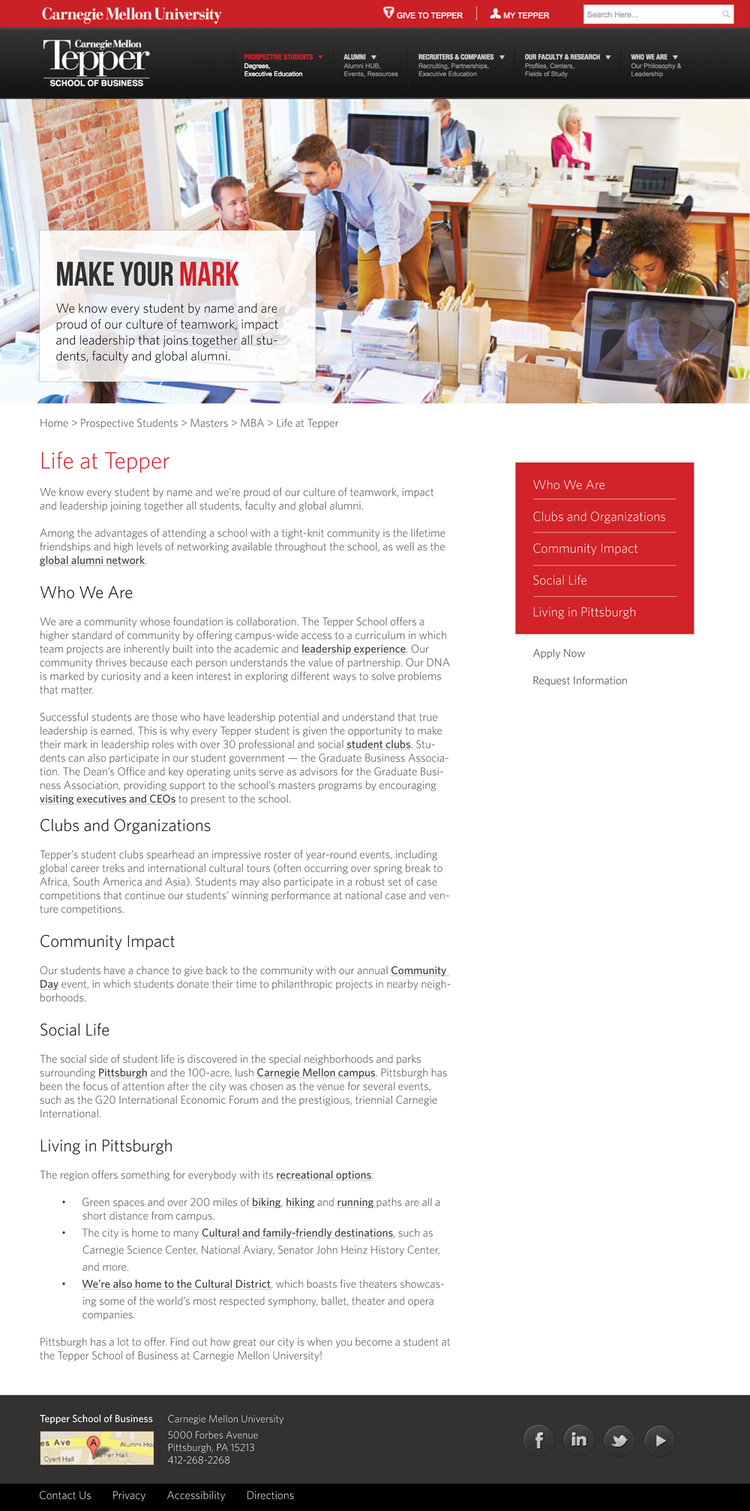
Blog Posts and articles
Various articles and blog posts written over the past year (2016 - Present).
LIFE AT TEPPER - Welcome article
An article to showcase what life is like for a Tepper student, including a general overview of social clubs and living in Pittsburgh. This article was geared to prospective students.
Stay Secure with Two-Factor Authentication (2fa)
Cursor Newsletter ArticleA newsletter article to explain and advertise Two-Factor Authentication. This targeted an older audience after analytics revealed the adoption from faculty and staff wasn't as high as students.
Plex Blog Posts
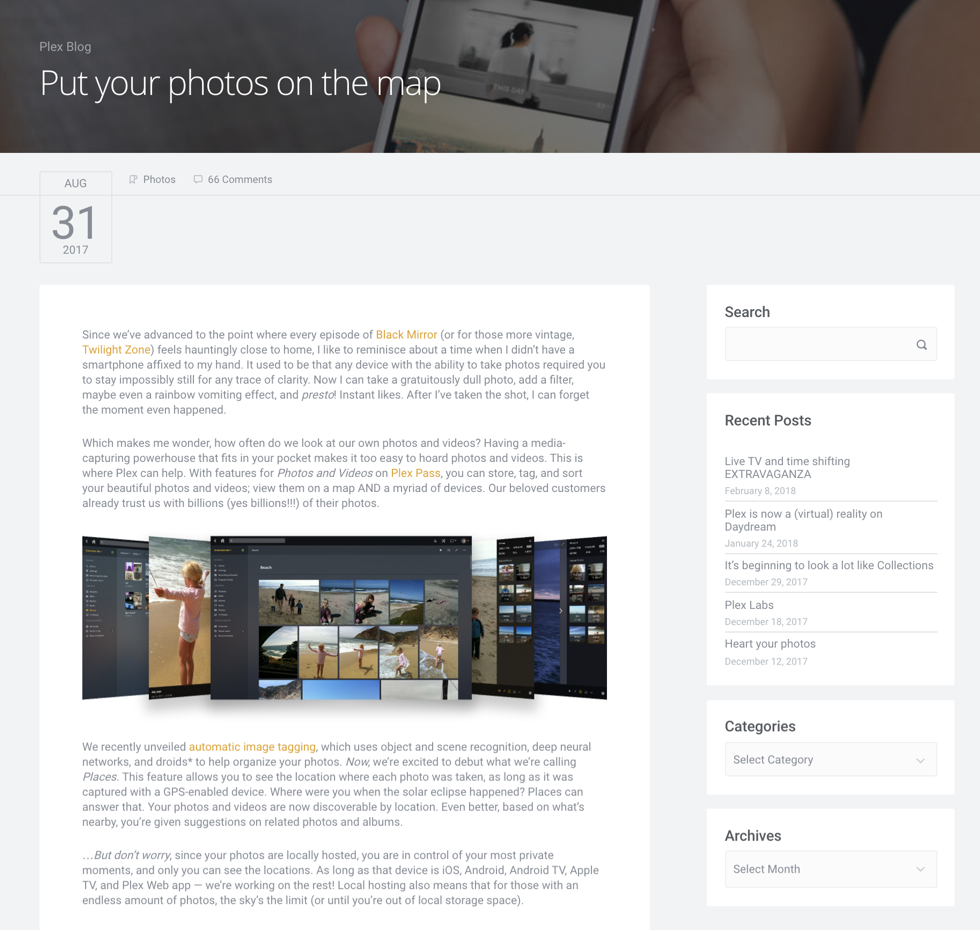
Blog posts detailing releases, updates, and more from Plex. The Plex Blog has a
"geeky and fun tech" voice that caters to "cord-cutters" with media collections.
Want more? Read my Ripl blog posts and a few on the Plex blog.
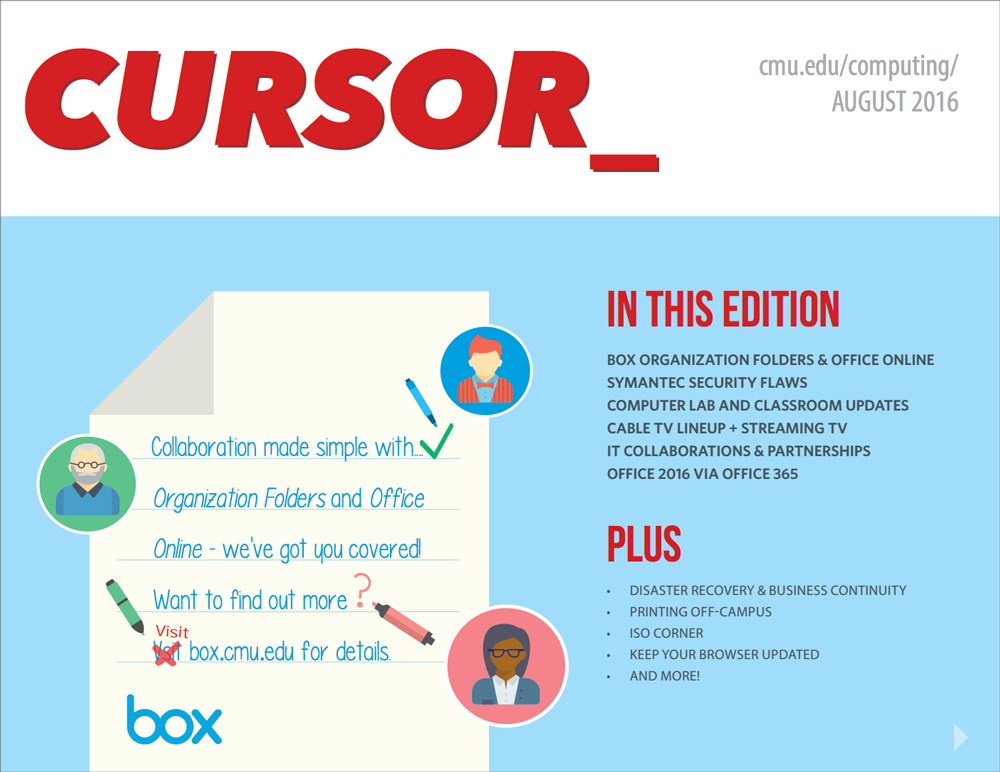
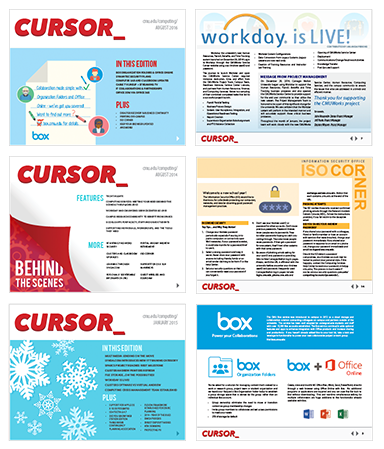
CURSOR_ The Division Newsletter
Cursor_ is the online division newsletter of Computing Services. It highlights new and changed services, promotes awareness of any security threats and new patches, and advertises services and events.
I took over Cursor_ in August 2014 and modernized the look and copy, and recently started an accessible version in August 2016. I plan on changing the Cursor_ release to an all-digital blog that promotes more of a discussion and fits with the rebranding of Computing Services' image. Along with designing, publishing, and promoting Cursor_ I also contribute articles along with my team and service owners.
Note that Cursor_ is no longer in production.
DETAILS
Created using Adobe InDesign, Photoshop, Illustrator, Acrobat Pro
8.5 x 11, Landscape
Optimized and created for online viewing; digitally-accessible versions also available
Posters and Handouts
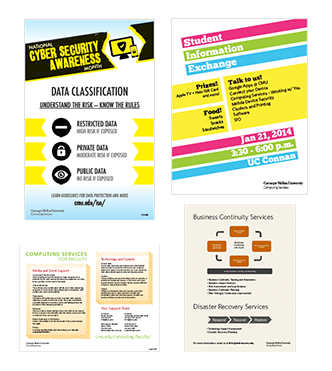
A sample of posters and handouts designed for use on-campus at Carnegie Mellon University.
The samples included were created to:
Provide information for a meeting about a service as well as new/changed offerings
Promote an event geared to students
Promote awareness about a topic such as cyber security
Details
Created using Adobe InDesign, Photoshop, Illustrator, Microsoft Word
Technical Writing
These technical writing samples were created through hands-on testing, subject matter expert (SME) interviews, and/or from text rough drafts that I've thoroughly revised based on the audience.
Click a thumbnail to see a larger PDF version.
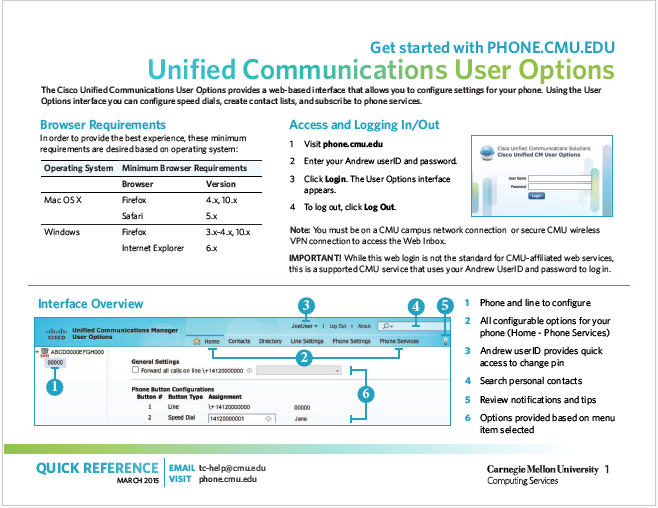
Quick Reference Guide
user options and web inbox
The Quick Reference Guide for the Web Inbox was created when the Unified Communications team deployed several Cisco products. The suite of Cisco products allows customers to manage their phone and voicemail options through a web interface. The guide covers standard tasks a typical user would perform when reviewing their voicemail on voicemail.cmu.edu.
Details
Created using Adobe InDesign
8.5 x 11, Landscape
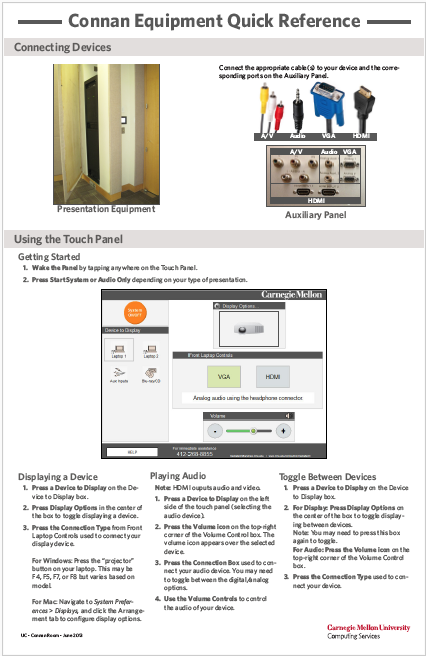
Equipment Guides and Manuals
Class, Meeting, and event spaces
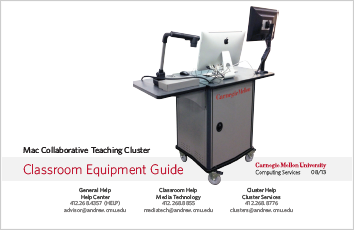
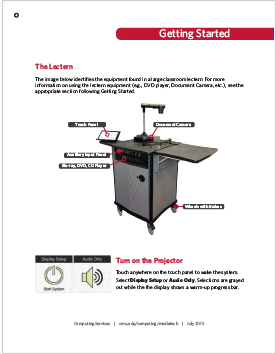
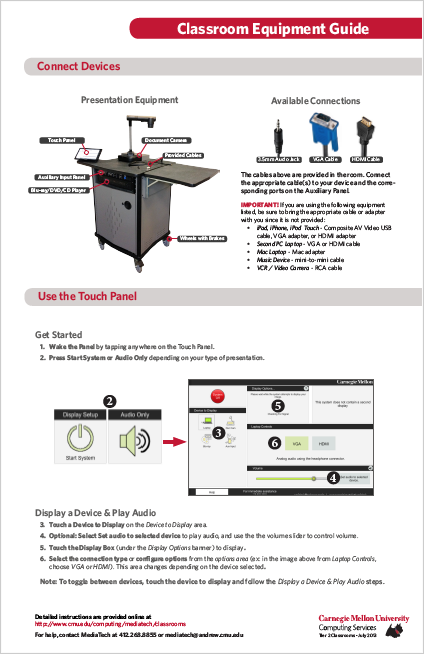
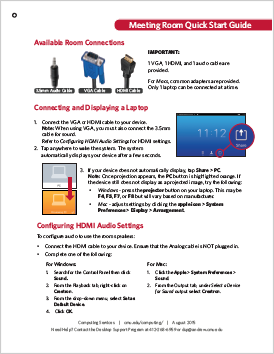
The equipment guides were developed to show students, faculty and staff how to quickly use the equipment provided in a typical class, meeting, and event space setup. The different mediums (poster, etc.) feature individual sections so that a user could quickly reference specific tasks on the fly. The guide focuses specifically on the technology available via the lectern in a room, including a document camera, projector, blu-ray player, and more.
The Equipment Guides include:
Classroom Poster (Quick Start Guide)
Classroom Podium Manual
Cluster (Computer Lab) Podium Manual
Auditorium Poster
Meeting Room Podium Manual
Details
Created using Adobe InDesign, Photoshop, Illustrator, Acrobat Pro
Printed in-house, cut-to-size, and laminated
Communication Plan
Cascade Upgrade
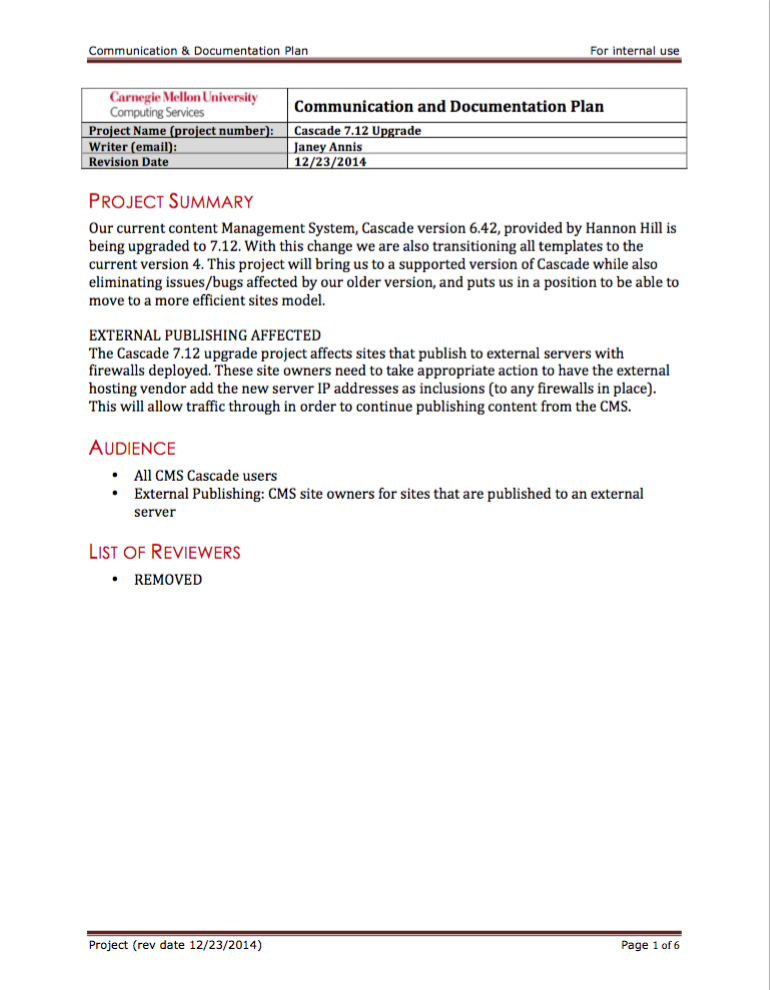
The Cascade 7.12 Upgrade Communication Plan was created to inform the campus community that Hannon Hill's Cascade would continue to be used as its Content Management System and that it would be upgraded to offer more features and stability.
Web & Social Media Samples
The websites/mockups were created based on information that needed to be conveyed to a particular audience, A/B (split) testing, and to accommodate future growth. In some cases, multiple drafts were created.
The social media samples I've shared include:
Created content for promotional tweets for upcoming events
Notified a community of any maintenance/outages for services
Designed eye-catching graphics to appeal to users scrolling through endless click-bait articles
Click a thumbnail to see a larger version.
Computing Services InfoCenter
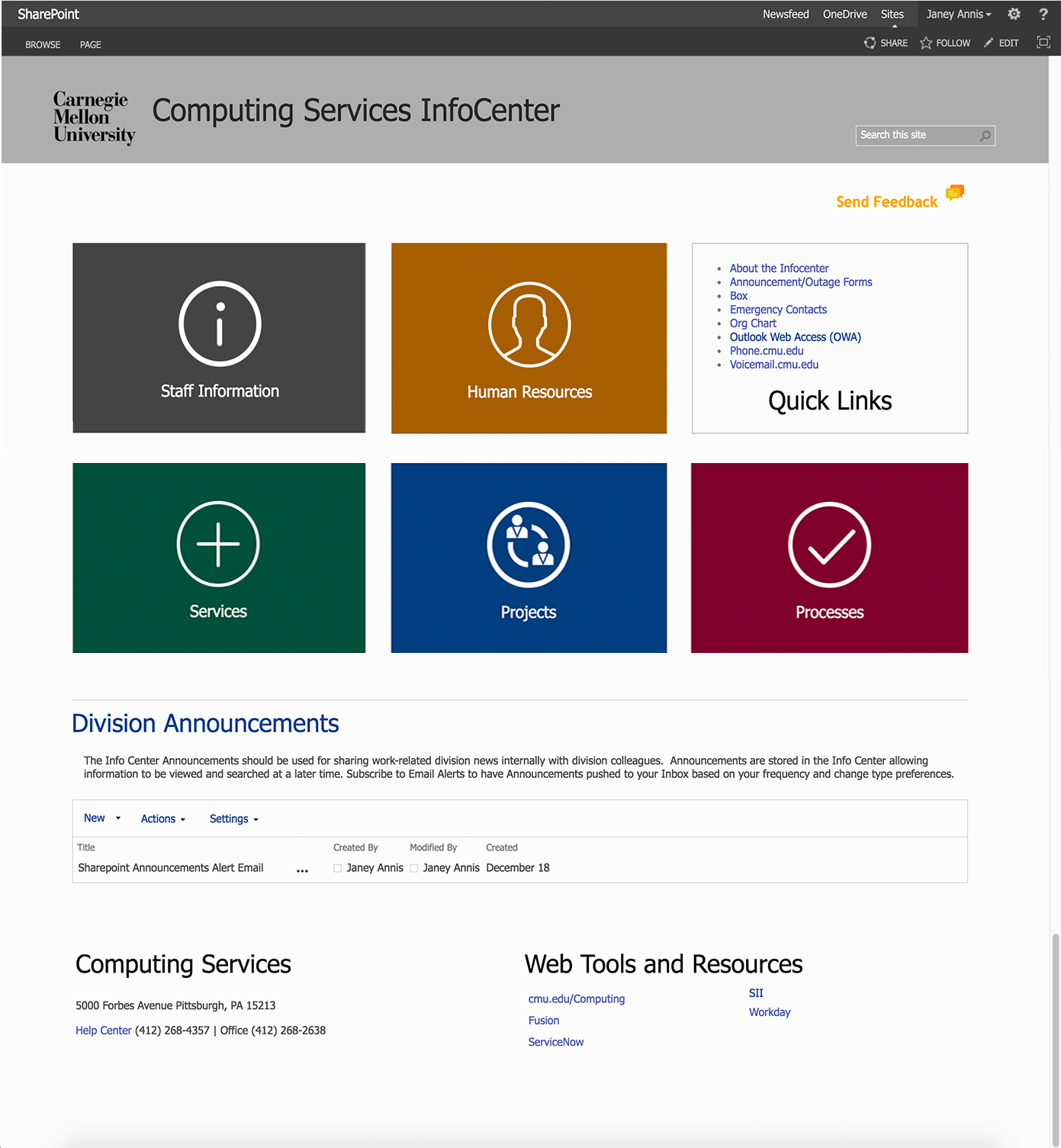
The Computing Services InfoCenter is an internal information resource for the division. It offers help with building information, services, human resources, and standard staff information such as building maintenance and network outages. With the help of my team, the information was streamlined and we identified any gaps.
I created the site using Dreamweaver and Microsoft Sharepoint. This included setting appropriate permissions, creating announcements and pertinent forms, and laying out the information with the internal division's priorities in mind.
Details
Created using Adobe InDesign, Photoshop, Illustrator, Dreamweaver
Drafted, staged, and published using DreamWeaver and Microsoft Sharepoint
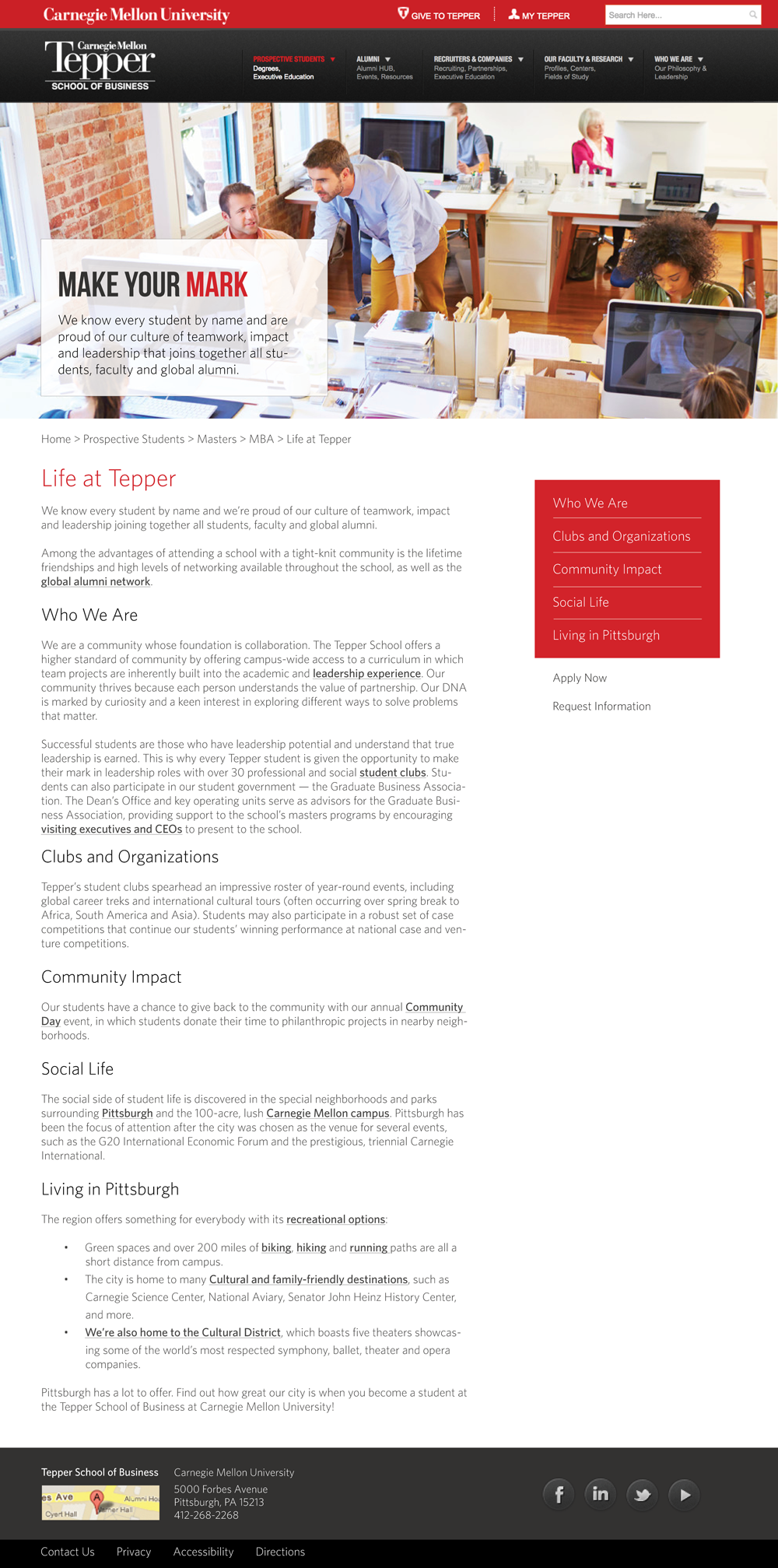
Assorted Mockups: Before and After
Included here are a few samples of pages I've mocked up or are in the process of changing. While mocking up pages in InDesign or Photoshop, I ensure the content is simplified and geared to the appropriate audience before creating a draft website in Dreamweaver and any applicable content management system.
Details
Created using Adobe InDesign, Photoshop, Illustrator, Dreamweaver
Drafted and staged in DreamWeaver and Cascade Content Management System (CMS)
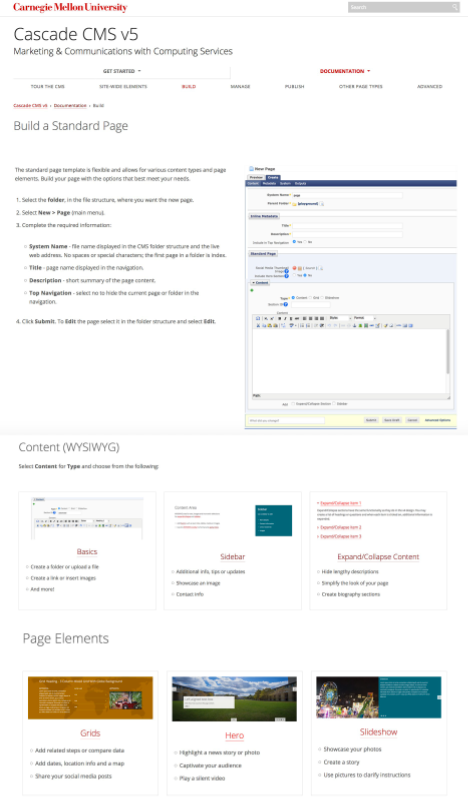
Content Management System Documentation
Included here are a few samples of pages I've created for user instructions on using a content management system. The text descriptions are a group effort from the Web and Communications team.
DETAILS
Pages created using HTML and CSS in the Content Management System (CMS)
Screenshots and icons created or modified using Photoshop
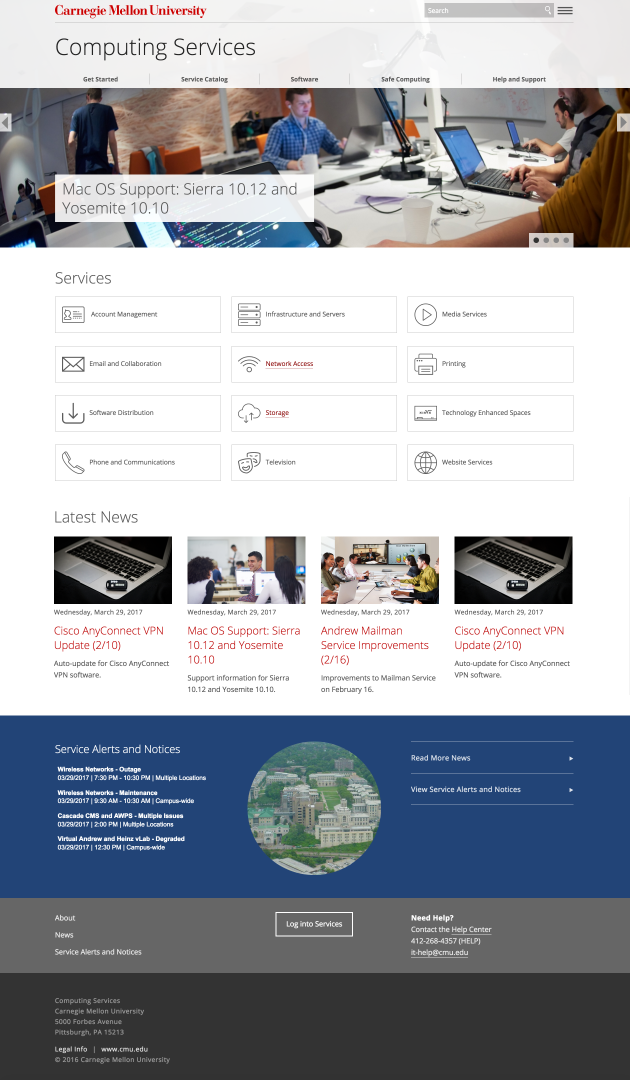
Redesign of Cmu.edu/Computing
I worked on building out the template and transferring the content of www.cmu.edu/computing. The layout has been tested and reviewed by peers and senior management to fit the needs of the campus community.
See the finished product.
DETAILS
Mockups created using Adobe InDesign, Photoshop, Illustrator
HTML, CSS and Javascript created in the Content Management System (CMS) and DreamWeaver
Screenshots and icons created or modified using Photoshop and Illustrator
Images created and modified using Photoshop and InDesign
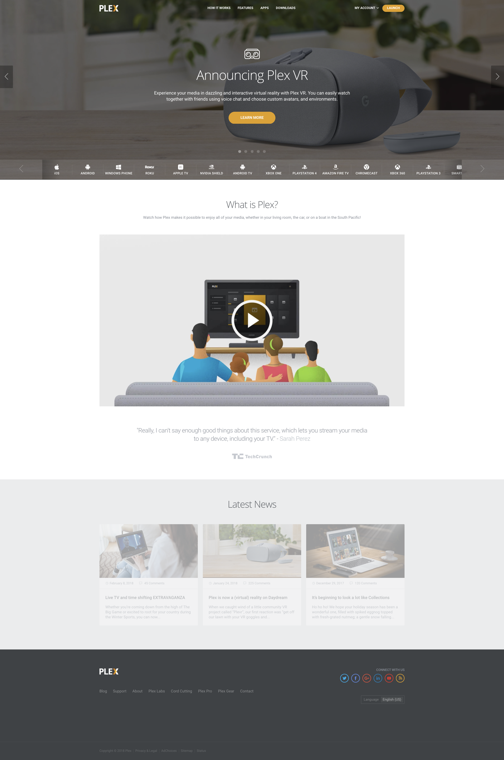
Refresh of Plex.tv
I collaborated with cross-functional teams, stakeholders, and executives to refresh the Plex website. I managed content and provided direction for layout along with ideas on execution. As of February 2018, the refresh is wrapping up while it goes to the Quality Assurance team prior to being A/B tested and released in March 2018.
See the finished product.
DETAILS
Content drafted in Google Apps (docs, sheets)
Created and maintained in Wordpress
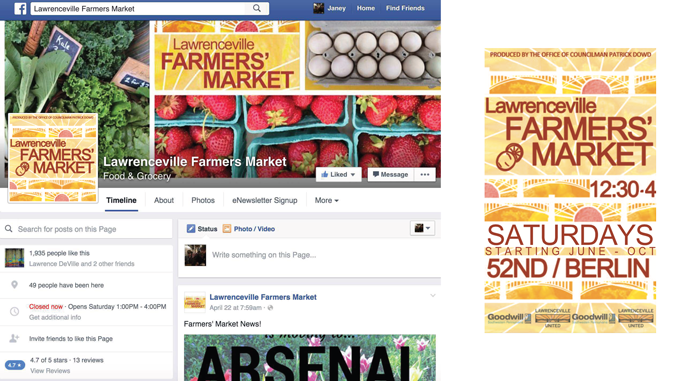
Social Media
I post photos on Instagram, scroll through Facebook, watch stories on snapchat, and post the occasional tweet in my personal life... BUT I also help, contribute, and sometimes manage other social media posts on many different outlets.
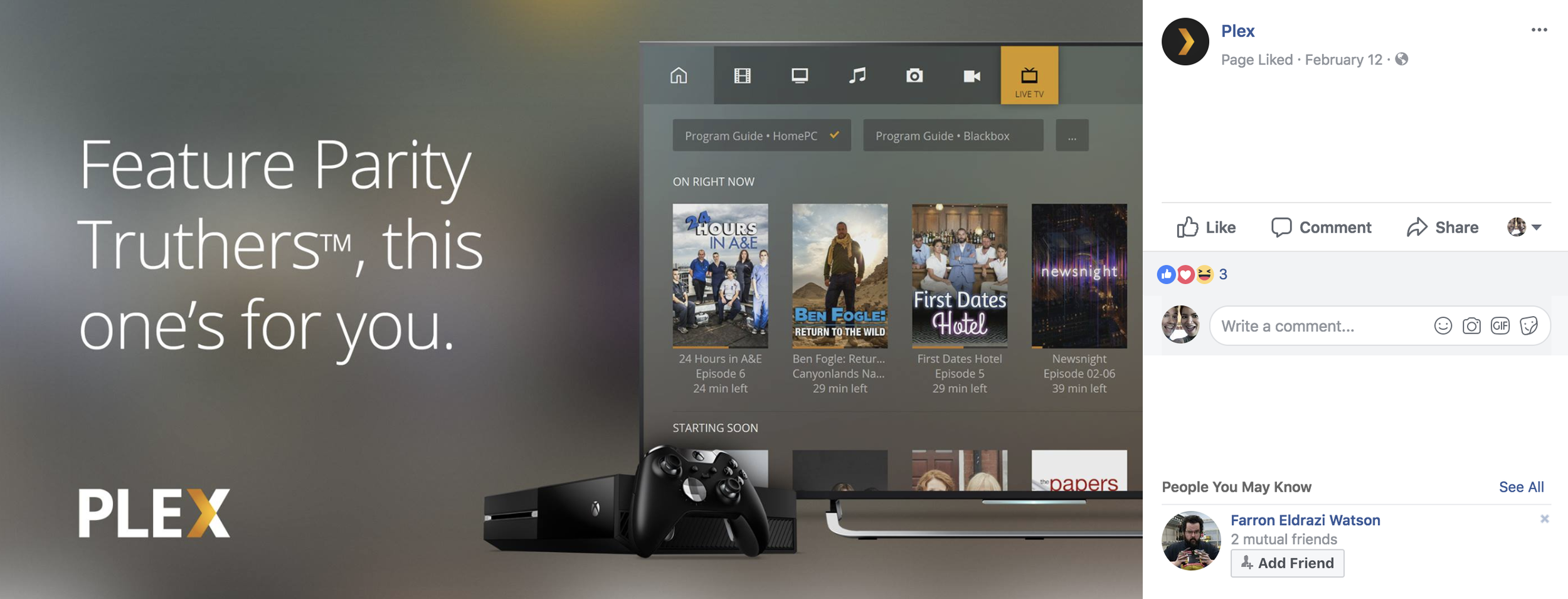
Sample Xbox One Facebook Post
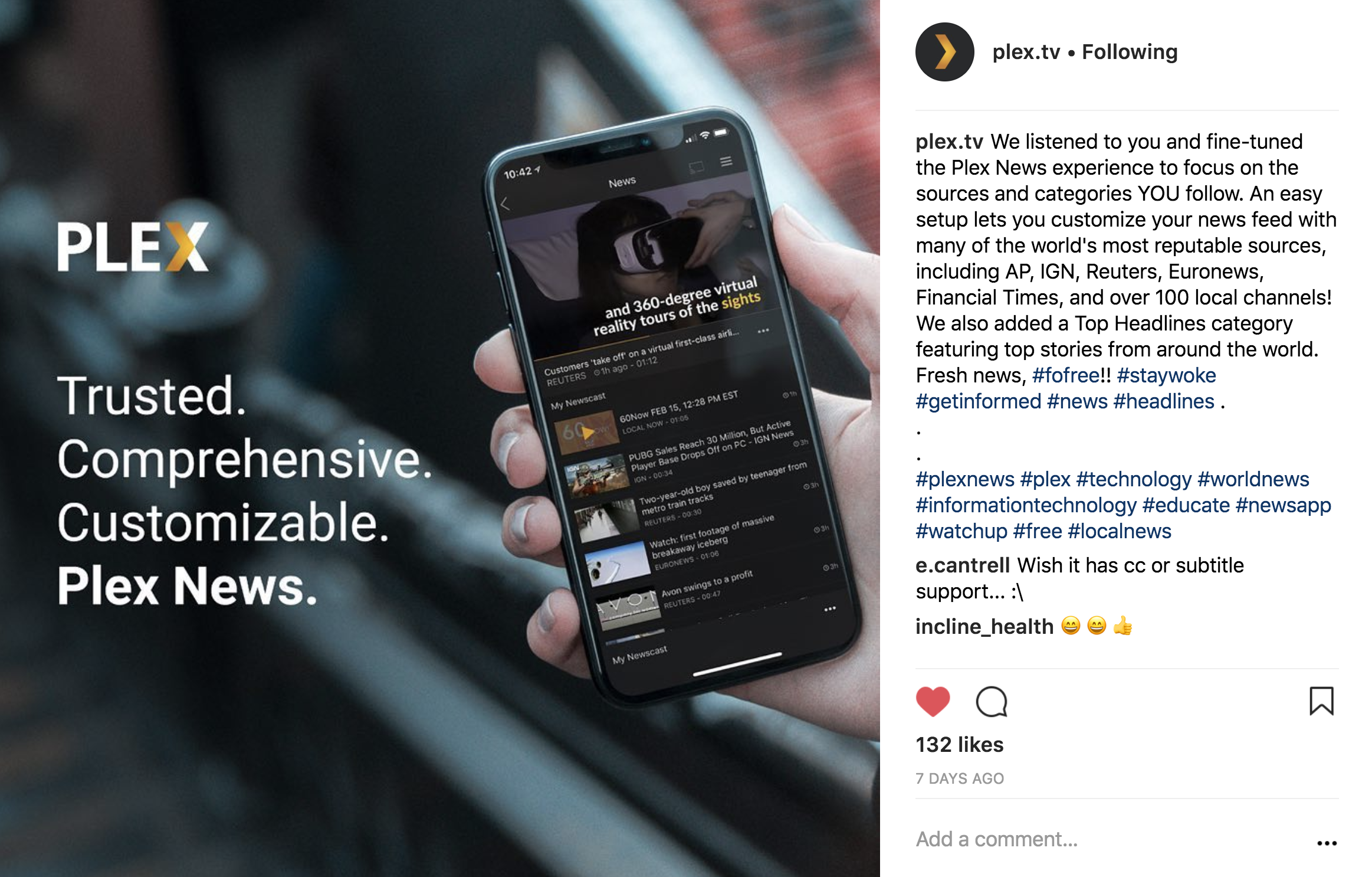
Sample Plex News Instagram Post