Case studies Carnegie Mellon University
Refreshing a global university’s web experience
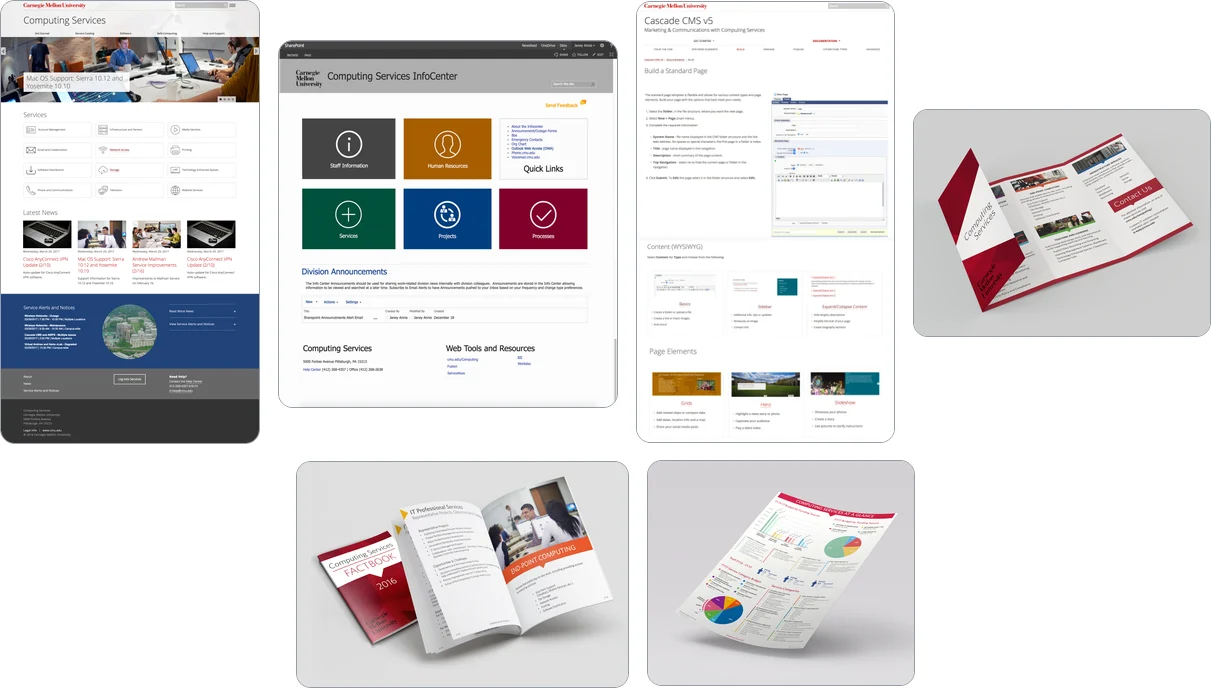
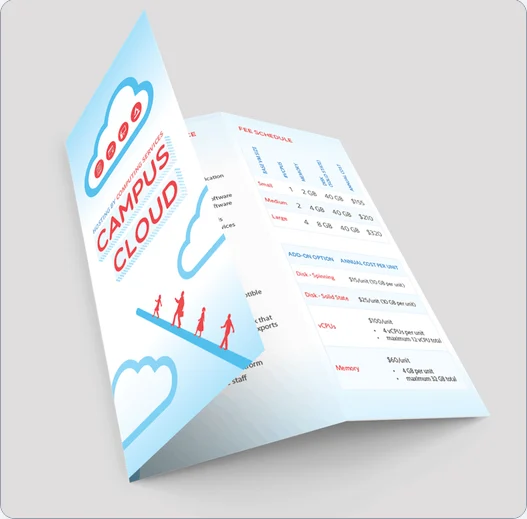
Leading the Computing Services “At a Glance” project: a refreshed website, self-help resources, and print materials that introduced a new Vice President of Operations to the division’s work.
Context
As part of Carnegie Mellon University (CMU), Computing Services supports the entire campus community with IT and web services. I led the division’s website refresh for faculty, staff, students, and the broader campus community. Its marketing materials also needed to reflect newer branding and updated service offerings.
The “At a Glance” project (the website refresh) showcases division details from year to year for prospective customers and the campus community through web and printed materials. The goals: give the new Vice President of Operations an easily digestible overview of the work Computing Services brought to Carnegie Mellon; update and modernize the staff, faculty, and student landing pages; and provide accessible self-help resources and training that reduce help center tickets.
Creating a unified experience was a self-imposed challenge; the main problem was time. The deadline was expedited to share with the new Vice President. I collaborated with C-suite executives on confidential data to include and provided options for layout and copy, all before printing a large volume of materials that were cut and bound by hand. With many service owners, program owners, and project managers involved, approvals and information took time.
The work
-
Identify goals
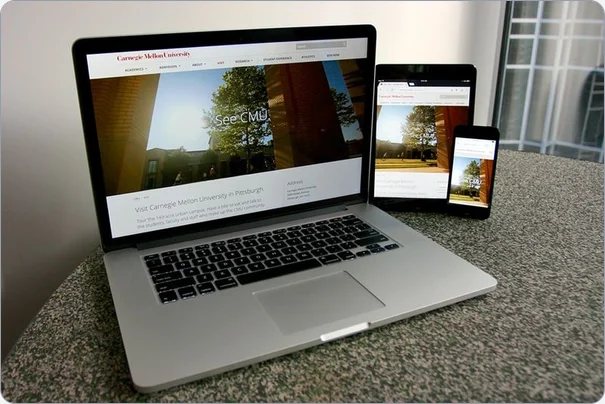
What goes into a website refresh, and what else does it affect? We asked ourselves this to define and measure success. Service owners, program managers, site administrators, and others came together to set goals, make a plan, and collaborate on tasks. I worked across content management systems, design tools (mostly Adobe Creative Suite), and a printing company to create online and print materials for information and marketing.
-
Research and plan
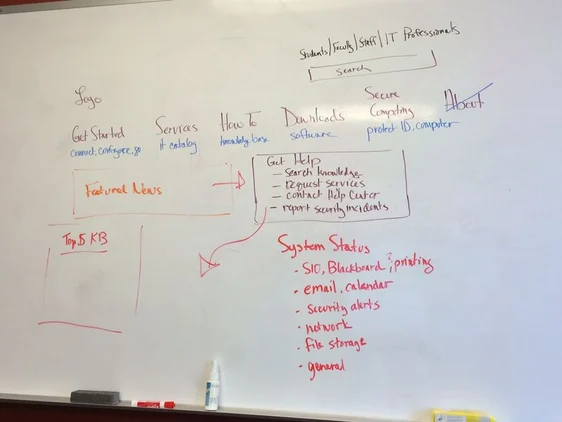
Mockups, card sorting for the taxonomy, campus community interviews, page performance metrics, and quality assurance testing.
-
Audit, then update what exists
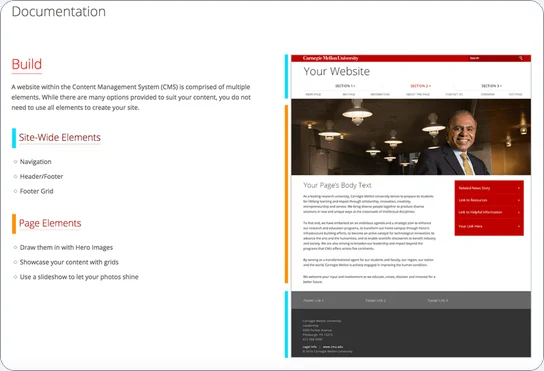
Often there’s a lot of existing material that can be updated and reused instead of overhauled. I updated the homepage, content management, the self-help resource site, and an internal SharePoint repository, with content and page templates that matched web trends of the time but stayed easy for the campus community to scan.
-
Create and test
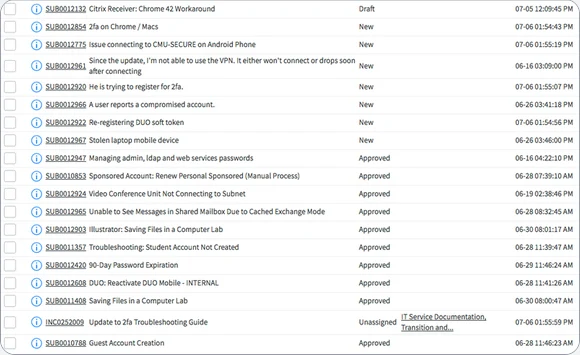
We needed assets for the students’ Getting Started experience and the internal SharePoint repository. I worked with a student intern on Getting Started videos and images for a student portal, and wrote ServiceNow help articles and service pages for the Lease IT service. Beyond QA-testing pages and reviewing content, I checked in with the Help Center on how their support article process was going with the changes.

-
Solicit feedback, train, and iterate
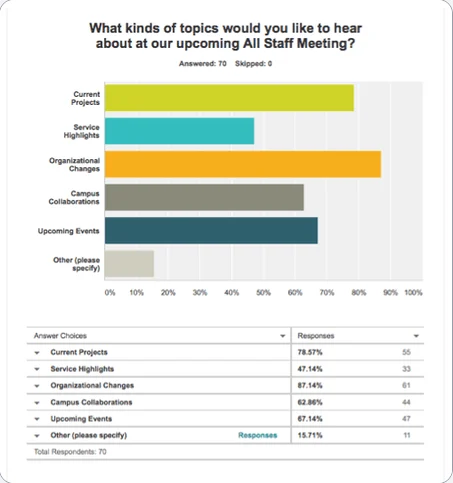
My team and I ran interviews to understand how effective the content changes were, then decided what to prioritize and incorporate. I trained the right people to use and maintain the new templates, styles, advertising materials, and other university-branded assets. Feedback and analytics shaped the plan for the next round of priorities and updates.
Outcomes
- All goals metthe new VP of Operations was impressed by the breadth and quality of services
- 1 templateand a standard for future service marketing materials
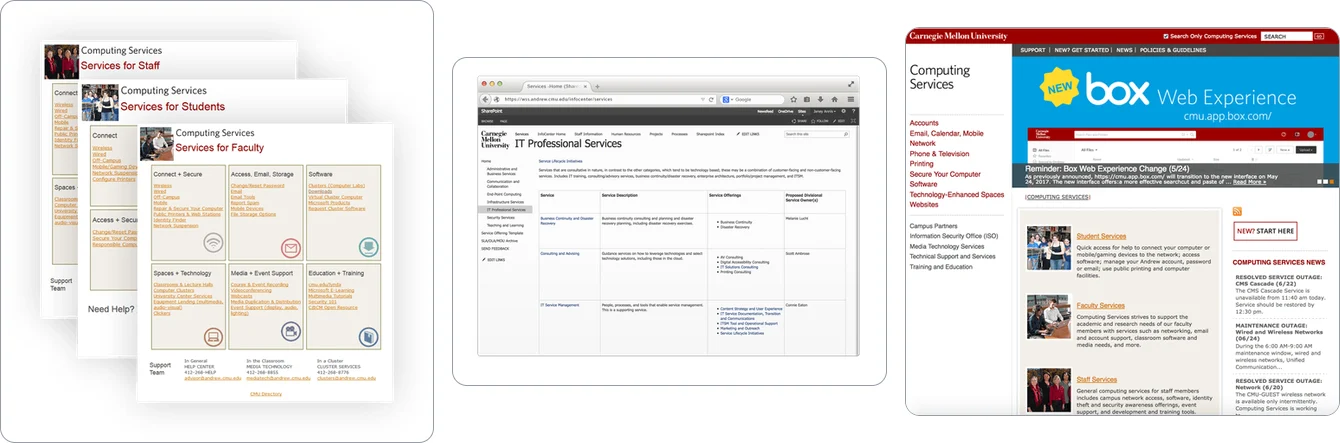
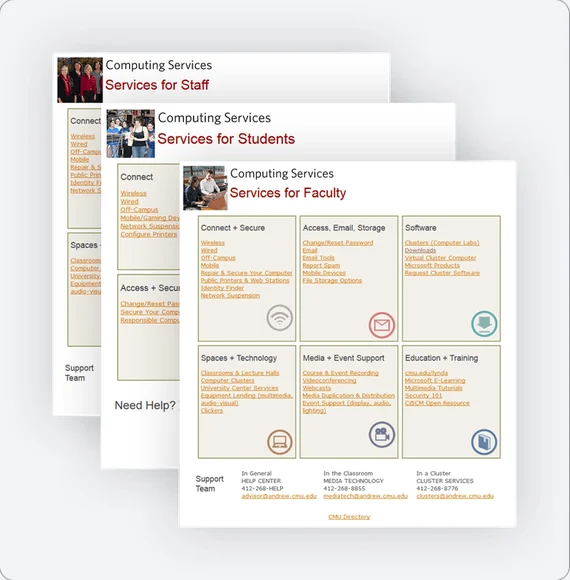
Before: service sheets, a SharePoint list of services, and the earlier website. (After is at the top of this page.)
Looking back
Most of what I learned was about using the Adobe Creative Suite more efficiently. Questions I want to consider the next time I manage a project like this:
- What could we achieve with a standardized CMS across the university?
- With more time, what might the marketing materials look like instead?
- If we partnered with a design team or an external agency, what might have happened differently?
- How else could we have provided self-service support?